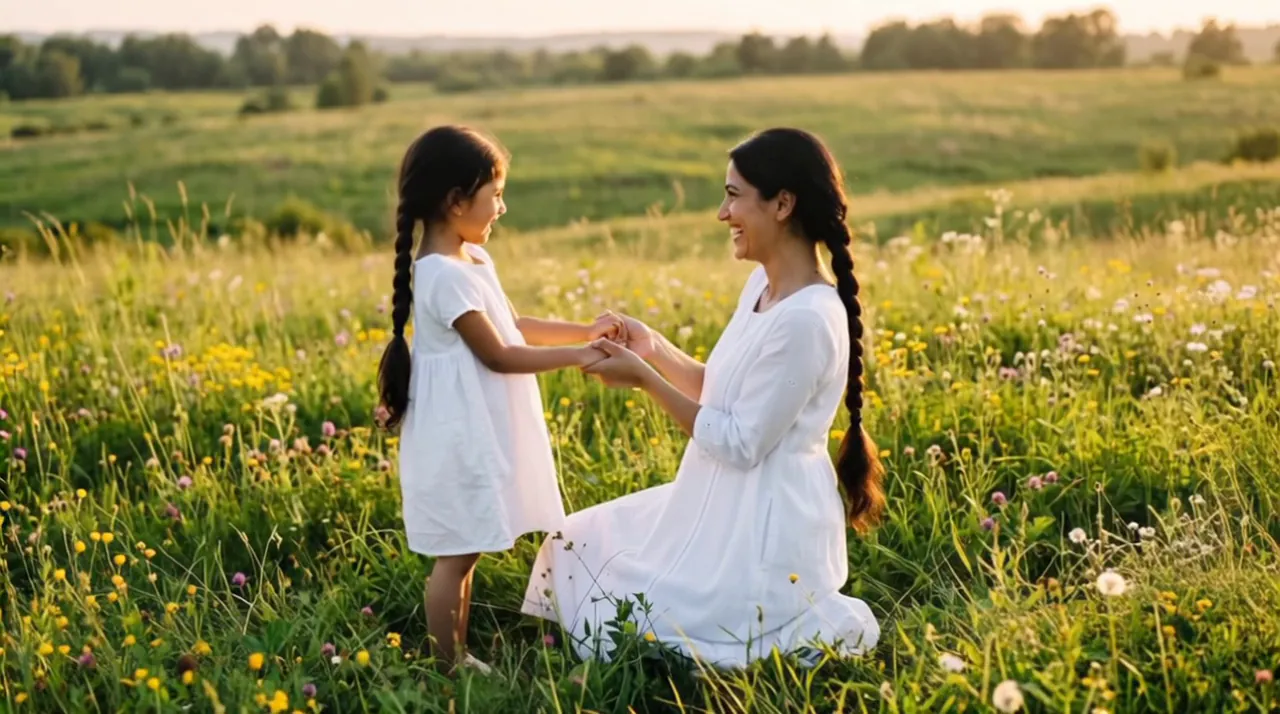



Two ages, one scene

Make a then and now video of yourself

Most then-and-now posts set two photos side by side. Here, the younger you and the you of today meet in one moving scene and share a warm hug.

  • First 5-second video free
  • Old prints welcome
  • 5, 8 or 10 seconds
A childhood photo of you and a recent photo of you, or one picture of both. PNG, JPEG or WebP, 10 MB each.
Try
Photos
Shape
Resolution
Length

150 credits

Buy credits

Add your photos to make the video

At a glance

Hug Your Younger Self turns a then-and-now pair into a video: your childhood photo and a photo of you today become a 5 to 10 second MP4 of both ages hugging. Each second costs 30 credits; the first 5-second video is free for a new account, once per network (an IPv4 address or IPv6 /64) every 30 days.

Photos
Then: a childhood photo. Now: a recent photo of you
Price
30 credits per second; a 5-second video is 150 credits (about $1.36 to $1.50)
Free to try
First 5-second video free for a new account, once per network (an IPv4 address or IPv6 /64) every 30 days
Format
MP4 at 540p, 720p or 1080p; 9:16 vertical by default, or 1:1 or 16:9

Then and now, in motion

  • 01

    More than side by side

    Instead of two still photos next to each other, both versions of you share one scene and one hug.

  • 02

    Vertical by default

    A 9:16 video fits phone stories and chats; square and widescreen are one tap away.

  • 03

    Keep the old look if you like

    Ask in the prompt to keep the childhood photo's faded colors, or let the scene take a fresh look.

How to make a then and now video

  1. 01

    Then

    Upload a clear childhood photo of you.

  2. 02

    Now

    Upload a recent photo of you, from the waist up.

  3. 03

    Together

    Describe a place, make the video and download the MP4.

From a then-and-now post to a video

A then-and-now post usually puts two photos side by side. This video uses the same two photos as references and makes one new scene in which both ages appear together, then the adult kneels and hugs the child.

If you already made a side-by-side picture, you can upload it with One photo of both. The picture becomes the first frame; a scene without a dividing line between the two halves works best.

Choosing the two photos

The model can only keep what it can see, so a clear face in each photo matters more than anything else.

  • A childhood photo where your face is sharp and turned toward the camera
  • Scan an old print, or photograph it flat in daylight without glare
  • Crop a group photo so the younger you fills most of the frame
  • A recent photo of you from the waist up, so there is room to kneel and hug
  • Similar light in both photos, so the scene looks like one moment
  • No sunglasses, heavy filters or stickers over faces

An AI recreation, not real footage

The video is generated by an AI video model from your two photos and your words. It is not a recording, and small details, such as hands or the background, may look different from life.

Upload only your own childhood photo, or one you have the right to use with the person's permission, and say the video was made with AI when you share it.

Then and now video FAQ

Can I use my then-and-now collage?

Yes, with One photo of both; it becomes the first frame. A picture where both of you stand in one scene works better than a collage split by a line.

What is the best length for a then and now video?

Five seconds is enough for the hug; 8 or 10 seconds gives it more time. Each extra second costs 30 credits.

Can I add music or text?

Add music or captions in your editing or sharing app after you download the MP4; the site does not add them.

Put then and now in one scene

Upload a childhood photo and a photo of you today, and describe the place.

Last updated November 9, 2026

Create your account