


You, then and now

Hug Your Younger Self

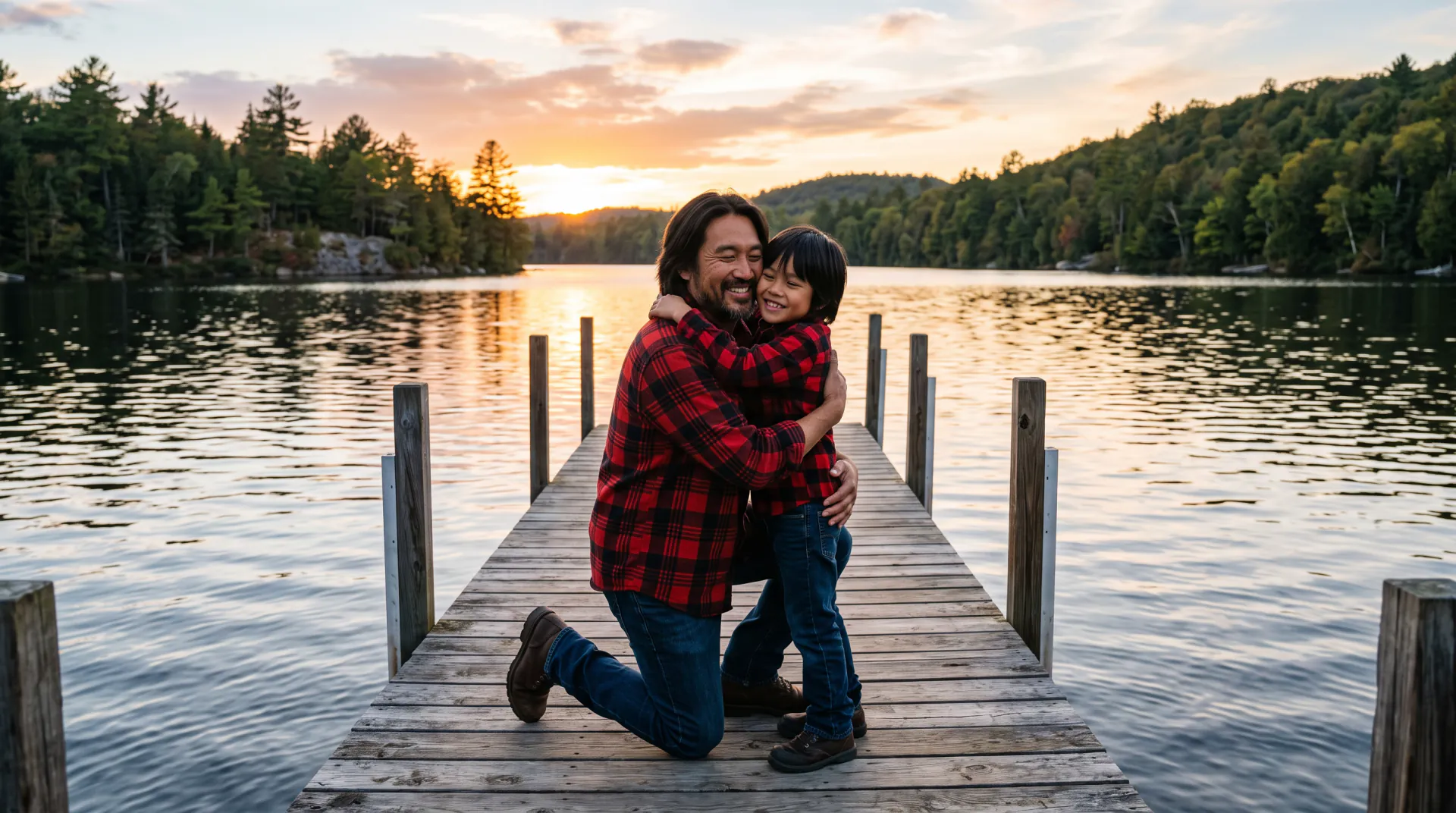
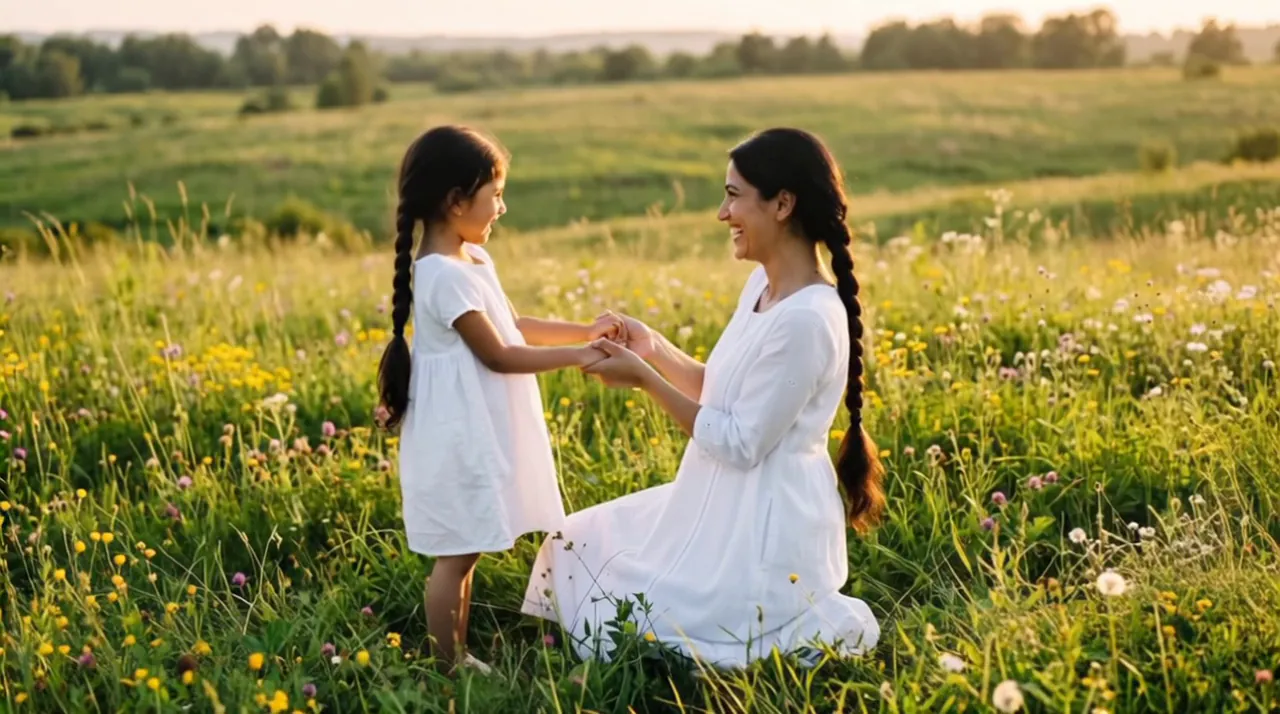
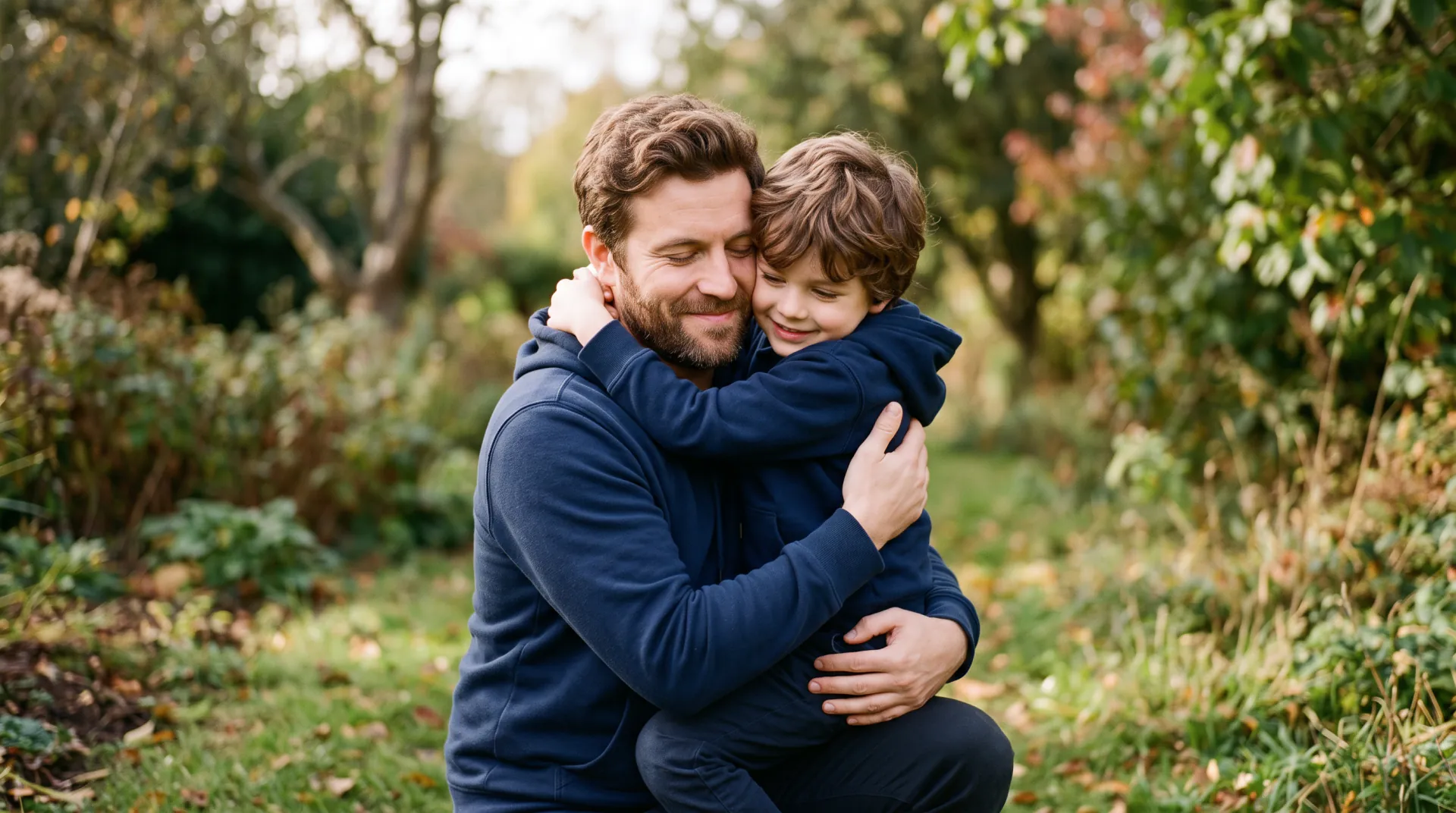
Upload a photo of you as a child and a recent photo of you. Your adult self kneels down and gives your younger self a warm hug, both smiling, in a short video you can keep and share.

  • First 5-second video free
  • Childhood photo + you now
  • A warm hug
A childhood photo of you and a recent photo of you, or one picture of both. PNG, JPEG or WebP, 10 MB each.
Try
Photos
Shape
Resolution
Length

150 credits

Buy credits

Add your photos to make the video

At a glance

Hug Your Younger Self makes an AI video of you hugging yourself as a child, from a childhood photo and a recent one, as a 5 to 10 second MP4. Each second costs 30 credits; the first 5-second video is free for a new account, once per network (an IPv4 address or IPv6 /64) every 30 days.

Photos
A childhood photo and a recent photo of you, or one picture of both; PNG, JPEG or WebP, 10 MB each
Price
30 credits per second; a 5-second video is 150 credits (about $1.36 to $1.50)
Free to try
First 5-second video free for a new account, once per network (an IPv4 address or IPv6 /64) every 30 days
Length
5, 8 or 10 seconds
Format
MP4 at 540p, 720p or 1080p; 9:16, 1:1 or 16:9 from two photos, the picture's own shape from one
Checked
Prices and options as of November 9, 2026

What Hug Your Younger Self does

  • 01

    You, at two ages

    Upload a childhood photo and a recent photo of you. The video treats them as the same person and puts both in one scene.

  • 02

    A warm hug, built in

    Every video follows the same instruction: the adult kneels or bends down and gives the child a warm hug, both smiling.

  • 03

    Faces taken from your photos

    The instruction asks the model to keep both faces, hairstyles and outfits as they appear in your photos.

  • 04

    Old prints welcome

    A scan or a flat phone photo of a printed childhood picture works, as long as the face is clear.

  • 05

    Made for sharing

    Vertical 9:16 by default for phone stories and chats, with square and widescreen for posts and screens.

  • 06

    Price shown first

    The credit price shows before every video, and videos that fail are refunded automatically.

How to hug your younger self

  1. 01

    Upload two photos

    A childhood photo of you and a recent one, or one picture with both.

  2. 02

    Describe a place

    A place from your childhood, or any setting you like. One line is enough; the hug is built in.

  3. 03

    Make and download

    Pick 5, 8 or 10 seconds and a shape, then download the MP4, usually within a few minutes.

How a younger self hug video is made

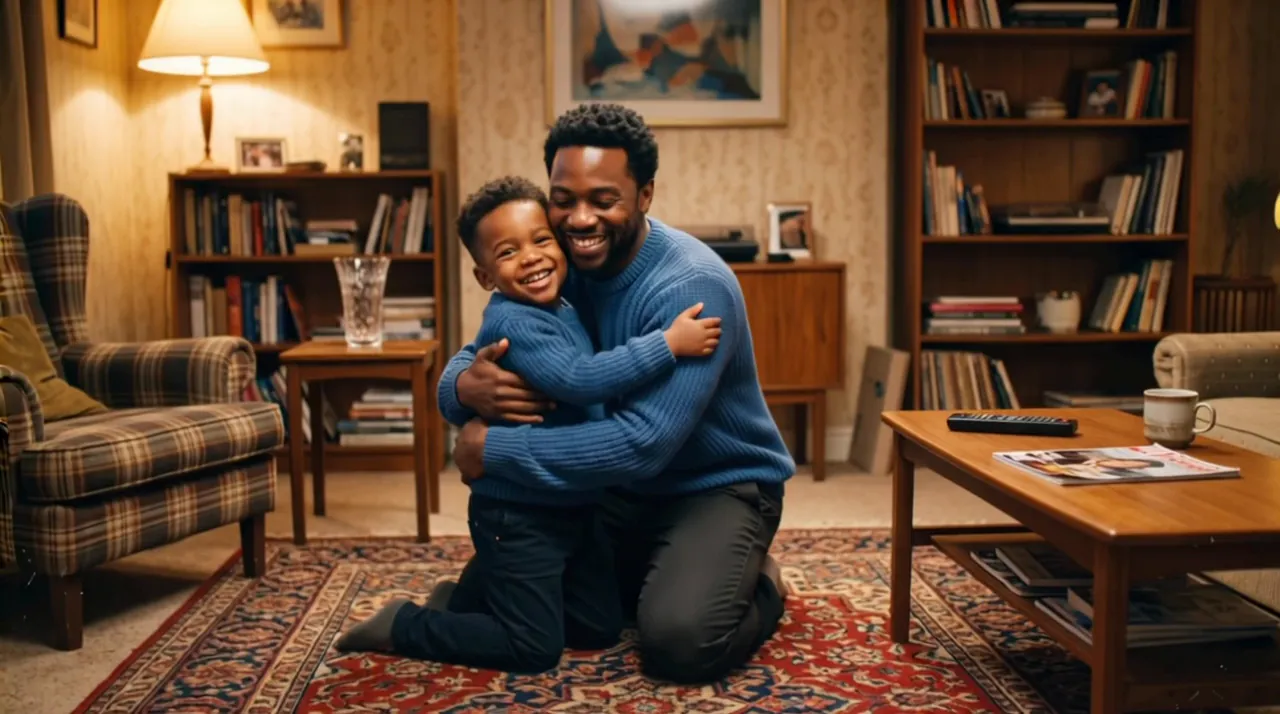
With two photos, the model reads your childhood face from the first photo and your adult face from the second, and is told that they are the same person at two ages. It builds one new scene in which the adult kneels or bends down and gives the child a warm hug, with gentle motion and a steady camera.

With one picture of both, for example a then-and-now edit you already made, the picture becomes the first frame, and the hug follows from there.

Your words choose the place: the backyard you grew up in, a school gate, a beach from a family holiday. The hug is always added, so a few words are enough.

Choosing the two photos

The model can only keep what it can see, so a clear face in each photo matters more than anything else.

  • A childhood photo where your face is sharp and turned toward the camera
  • Scan an old print, or photograph it flat in daylight without glare
  • Crop a group photo so the younger you fills most of the frame
  • A recent photo of you from the waist up, so there is room to kneel and hug
  • Similar light in both photos, so the scene looks like one moment
  • No sunglasses, heavy filters or stickers over faces

An AI recreation, not real footage

The video is generated by an AI video model from your two photos and your words. It is not a recording, and small details, such as hands or the background, may look different from life.

Upload only your own childhood photo, or one you have the right to use with the person's permission, and say the video was made with AI when you share it.

Two photos or one picture of both?

Both make the same hug at the same price. Choose by what you have.

Childhood photo + photo of you nowOne photo of both
What you uploadA photo of you as a child and a recent photo of youOne picture with your adult and child self in it
Best whenYou have two separate photos, which is most peopleYou already made a then-and-now picture
How the video startsA new scene with both of youYour picture is the first frame
Shape9:16, 1:1 or 16:9The same shape as your picture
Price30 credits per second30 credits per second

Frequently asked questions

Which website can make a video of me hugging my younger self?

Hug Your Younger Self does. Upload a childhood photo and a recent photo of you, write a line about the place, and download a 5, 8 or 10 seconds MP4 of your adult self hugging your younger self. The first 5-second video is free for a new account, once per network (an IPv4 address or IPv6 /64) every 30 days.

What photos work best?

A childhood photo where your face is sharp and turned toward the camera, and a recent photo of you from the waist up, in similar light. Crop group photos so the younger you fills most of the frame.

Should I upload two photos or one?

Most people upload two: the childhood photo and a recent one. If you already have one picture with both of you, such as a then-and-now edit, upload it with One photo of both; it becomes the first frame. Both cost the same.

Can I use an old printed childhood photo?

Yes. Scan it, or photograph it flat in daylight without glare, and crop it around your face. A black-and-white photo may come out in color or stay black and white; say which you prefer in the prompt.

How long is the video, and what format is it?

Choose 5, 8 or 10 seconds at 540p, 720p or 1080p. Two photos give a 9:16 vertical video by default, or square or widescreen; one picture keeps its own shape. You download an MP4.

How much does it cost?

30 credits per second: 150 credits for 5 seconds, 240 for 8 and 300 for 10. Five seconds comes to about $1.36 to $1.50 depending on the pack or plan; packs start at $9.99. Failed videos are refunded.

Is the first video free?

Yes. A new account gets 150 credits, enough for one 5-second video, once per network (an IPv4 address or IPv6 /64) every 30 days. Later accounts from the same network get no free credits; after that, buy a credit pack or a plan.

What happens to my photos?

Your photos are stored at long, unlisted links so the model can read them, and your videos are listed only in your account. We keep them while your account is open, with no automatic deletion schedule, and delete them, or your whole account, when you ask at [email protected].

Can ChatGPT make a video of me hugging my younger self?

Not as a video file. ChatGPT can help you write the description and can make still images, but it does not export a video clip of your two photos hugging. Write or paste the prompt here, upload the photos and download the MP4.

Is the video real footage?

No. It is an AI recreation made from your two photos, not a recording. Use your own childhood photo, or one you have permission to use, and say it was made with AI when you share it.

Give your younger self a hug

Upload a childhood photo and a photo of you now. The first 5-second video is free for a new account, once per network (an IPv4 address or IPv6 /64) every 30 days.

Last updated November 9, 2026

Create your account